
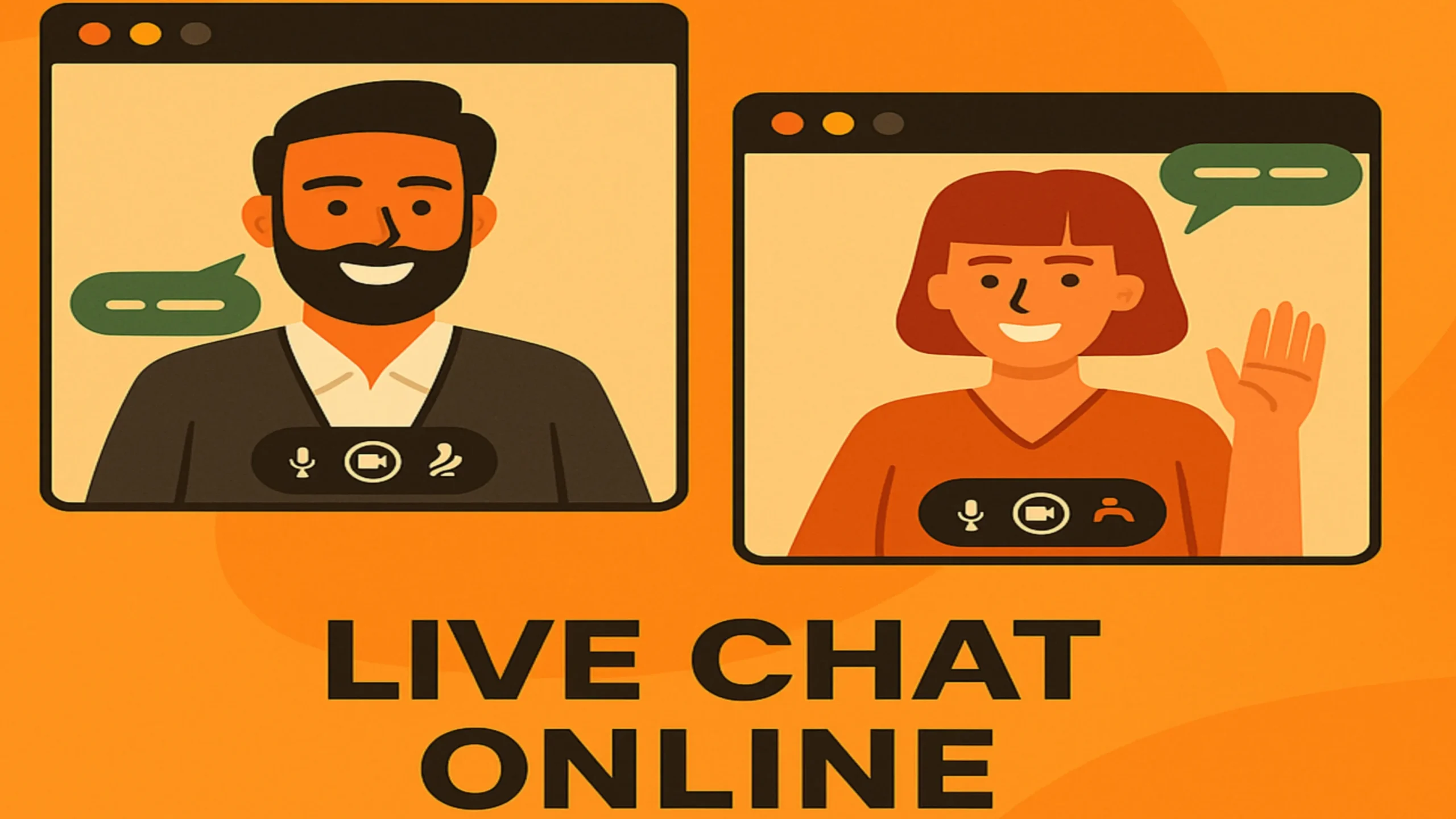
Live Chat Online has become the go-to format for instant, human conversations on the web—whether that’s customer support, coaching, community, sales, or just casual connection.


It’s fast. It’s interactive. It removes the awkward lag of email and the friction of form-fills. In a world that rewards speed and trust, Live Chat Online delivers both.
Overview: Live Chat Online

The internet moves at the speed of attention. If visitors can’t get answers in seconds, they bounce. If buyers can’t get confidence fast, they stall. Live Chat Online fixes both problems with real-time text, voice, or video—embedding a conversation into the exact moment someone is ready to act. That’s why you see it everywhere: on product pages, in mobile apps, across help centers, and inside communities. Short conversations change outcomes—support tickets close faster, carts convert higher, and people actually feel heard.
What is Live Chat Online?
Live Chat Online is a real-time communication layer—text, voice, or video—that sits inside a website or app. Instead of submitting a form and waiting, people talk to a human (or smart bot) immediately. The experience is simple:
- Open the chat.
- Ask or answer.
- Share context (files, screenshots, screen share).
- Resolve in minutes, not days.
Where once it was “email us and we’ll reply,” now it’s “chat and we’ll solve.” That shift—from asynchronous to real-time—is what makes Live Chat Online so powerful.
How Live Chat Online works (under the hood)
- Trigger – A visitor clicks the chat launcher, a timed nudge appears, or a bot message opens the conversation.
- Routing – The system routes to the right queue (support vs. sales), the right team (billing vs. tech), and the right person (language, skill, SLA).
- Engagement – Text chat starts; agents can escalate to voice/video, co-browse, or screen share if needed.
- Resolution – The agent solves the problem, triggers follow-ups, and logs details into the CRM or help desk.
- Learning – Analytics and transcripts feed FAQs, macros, and bot intents to make future chats faster.
Who uses Live Chat Online?
- E-commerce: product advice, size/fit help, returns, order changes.
- SaaS & software: onboarding, integrations, billing, incident updates.
- Financial services: pre-qualification, support, account questions.
- Telecom & utilities: outages, plan changes, troubleshooting.
- Healthcare & education: scheduling, counseling, admissions.
- Communities & creators: member support, coaching, events.
Core benefits at a glance
- Speed to answer: reduce abandonment and uncertainty.
- Trust on demand: live humans win deals that bots alone can’t.
- Lower effort: replace long email threads with one conversation.
- Higher conversion: help at the exact moment of purchase.
- Retention lift: customers return when help is instant and friendly.
Key features to look for (and why they matter)
| Capability | Why it matters | What “good” looks like |
|---|---|---|
| Text chat | Low friction, fastest start | Typing indicators, rich text, file upload |
| Voice & video | Faster clarity, builds trust | One-click upgrade from text; no extra installs |
| Screen share & co-browse | Solve complex issues | Agent-controlled, redaction for sensitive fields |
| Smart routing | Right person, first time | Rules + skills + availability + language |
| Bots & automation | 24/7 coverage, triage | Intent detection, fallback to human instantly |
| Macros & snippets | Consistent answers | Personalization tokens; quick insert |
| Knowledge base integration | Self-serve in chat | Auto-suggest articles before agent joins |
| CRM/help desk sync | Context and history | Bi-directional notes, contact timelines |
| SLAs & queues | Predictable wait | Priority routing, VIP rules |
| Security & privacy | Compliance & trust | TLS, data retention controls, PII redaction |
| Analytics | Improve & justify ROI | CSAT, FCR, handle time, conversion impact |
| Mobile SDKs | Meet users where they are | Native iOS/Android with push notifications |
Setup blueprint (from zero to live in a day)
- Define goals: conversions, CSAT, deflection, or all three.
- Pick channels: start with text; add voice/video for complex flows.
- Draft 15 macros: shipping, refunds, pricing, billing, password, etc.
- Integrate CRM/help desk: pull customer context, push transcripts.
- Route smartly: sales to AEs, billing to finance, tech to specialists.
- Publish KB articles: link them inside chat and bot flows.
- Train the team: tone guide, escalation rules, and privacy basics.
- Measure: baseline wait time, CSAT, first-contact resolution (FCR).
- Iterate weekly: add macros, fix gaps, tune bot fallbacks.
Pricing & monetization models (what you’ll encounter)
| Model | How it’s charged | Best for | Watch-outs |
|---|---|---|---|
| Per seat | Flat price per agent | Predictable volumes | Idle seats cost money |
| Usage-based | Per conversation/minute | Seasonal spikes | Budget swings month to month |
| Tiered plans | Feature bundles | Growing teams | Paywalls for advanced features |
| Hybrid | Base + usage overage | Mixed patterns | Read overage rates carefully |
Cost drivers to plan for: advanced routing, voice/video minutes, SMS/WhatsApp connectors, data retention length, and premium compliance add-ons.
User base & demographics (how behavior shapes your setup)
- E-commerce shoppers: evenings and weekends; want fast, product-specific answers.
- SMB buyers in SaaS: 9–6 local time; expect onboarding links, demos, pricing clarity.
- Enterprise stakeholders: prefer scheduled video, screen share, and audit-friendly transcripts.
- Global audiences: language routing matters; canned answers per locale reduce handle time.
Advantages (the good stuff)
- Real-time credibility: voice/video collapses doubt fast.
- Context-rich problem solving: screen share beats guesswork.
- Automation with empathy: bots deflect routine, humans handle nuance.
- Revenue impact: live help at checkout boosts conversion and AOV.
- Retention flywheel: faster fixes → better experiences → repeat business.
Disadvantages & risks (be honest)
- Staffing load: real-time channels require real-time people.
- Expectation inflation: reply times shrink; SLAs matter.
- Tool sprawl: chat, CRM, help desk, KB—integrations can break.
- Security diligence: recordings, PII, and transcripts need policies.
- Noise risk: without routing, agents drown in mis-directed chats.
Safety, privacy & compliance (non-negotiables)
- Encrypt in transit & at rest.
- Mask sensitive fields during co-browse; never store raw payment data.
- Data retention windows with deletion on schedule.
- Access controls & SSO, with least-privilege roles.
- Consent banners if recording voice/video.
- Audit trails for regulated industries.
Agent hygiene: verify identities before account changes, avoid public Wi-Fi, and never paste secrets into chat.
Implementation playbooks (by goal)
1) Conversion-focused chat on a product page
- Trigger: “Need sizing help? Chat now.” after 25 seconds of dwell.
- Macro: size guide, material stretch, returns policy.
- KPI: conversion rate of “chatted” vs. “non-chatted” visitors.
2) Support deflection on help center
- Bot asks the question → suggests an article → offers human if unresolved.
- KPI: deflection rate, CSAT for bot-only resolutions.
3) Sales qualification for SaaS
- Form in chat (company size, use case) → AE calendar hand-off → demo via video.
- KPI: qualified bookings, win rate of “chat-origin” deals.
4) High-touch onboarding via video
- One-click upgrade from text to video → screen share setup → send recap macro.
- KPI: time-to-value, first-week retention.
Agent workflow (what “great” looks like)
Open well: greet, confirm goal, set expectations (“I’ll check that—back in 30 seconds”).
Diagnose: ask for one screenshot or the exact error text.
Resolve: give the answer + a next-best action.
Document: update the CRM; add a macro if the question was new.
Close: confirm satisfaction; invite feedback.
Playbook table: quick responses that convert
| Scenario | Macro (feel free to adapt) |
|---|---|
| Pricing confusion | “Happy to help with pricing. What plan are you on and how many users do you need today?” |
| Product fit | “What problem are you trying to solve? I’ll tailor a 2-minute walkthrough or share a quick video.” |
| Shipping status | “I can check that. Could you share the order number? I’ll fetch the latest scan now.” |
| Refunds | “I can start a return. Is the item unused and in original packaging? I’ll send the prepaid label.” |
| Technical bug | “Thanks for flagging. Can you paste the error text or share a screenshot? I’ll replicate and fix.” |
Troubleshooting (fast fixes for common issues)
| Symptom | Likely cause | Quick fix |
|---|---|---|
| “Can’t start video” | Browser blocked camera/mic | Allow permissions; refresh; try a second browser |
| Echo or noise | Open speakers + mic | Use headphones; enable noise suppression |
| Pixelated video | Low bandwidth | Switch to audio; reduce resolution; close other apps |
| Agent not receiving chats | Routing rule mismatch | Check skills/queue assignments; clear schedules |
| Long first response | Under-staffed hours | Add bot triage; set realistic SLA; stagger shifts |
Metrics that matter (and how to move them)
| Metric | What it shows | How to improve |
|---|---|---|
| First response time | Perceived speed | Triage bot + skills routing + macros |
| Handle time | Efficiency | KB suggestions + screen share for complex issues |
| First contact resolution (FCR) | Quality of answer | Better diagnostics; empower agents to act |
| CSAT | Experience quality | Tone guide; summarize next steps; close the loop |
| Conversion uplift | Revenue impact | Proactive prompts on high-intent pages |
| Deflection rate | Bot/KB value | Tighten intents; add top 20 “how-tos” |
Comparing Live Chat Online with other channels
| Channel | Strength | Weakness | Best use |
|---|---|---|---|
| Live Chat Online | Instant, human, convertible | Staffing + SLA pressure | Sales, checkout help, urgent support |
| Paper trail, attachments | Slow, back-and-forth | Escalations, formal changes | |
| Phone | High empathy, complex fixes | Wait times, no visuals | Sensitive or urgent issues |
| Self-serve KB | 24/7, zero wait | Users must search | Common “how-to” answers |
| Forums/Community | Peer wisdom | Variable quality | Tips, best practices |
Alternatives (when you need something different)
- Voice-only chat: for privacy-sensitive audiences or low bandwidth.
- Asynchronous messaging: “we’ll reply within 2 hours” for lean teams.
- Book-a-call flows: route enterprise prospects to scheduled video with an AE.
- Verified community spaces: curated groups with clear codes of conduct.
Security checklist (copy/paste into your SOP)
- TLS enforced; data at rest encrypted.
- Role-based permissions; SSO required.
- PII redaction in transcripts & screen share.
- Recording consent stored with timestamp.
- Data retention policy (e.g., 90/180/365 days).
- Quarterly access reviews; audit logs enabled.
- Incident response runbook tested.
FAQs: Live Chat Online
Is Live Chat Online only text?
No. Best-in-class tools add one-click voice/video, screen share, and co-browse.
Do I need a bot?
Not required, but great for after-hours triage and simple answers. Always allow a fast human handoff.
How many agents do I need?
A starting rule of thumb: 1 agent per 20–30 concurrent chats with bot triage on; adjust by complexity.
Can I run Live Chat Online on mobile apps?
Yes—use native SDKs for iOS/Android to keep push notifications reliable.
What about transcripts and storage?
Keep what you need, purge what you don’t. Set retention windows and respect privacy laws.
How do I measure ROI?
Compare conversion rate and AOV of “chatted” vs. “didn’t chat” visitors, plus reductions in ticket volume/time.
Is screen sharing safe?
Yes—when sensitive fields are masked and agents can’t control the visitor’s device without consent.
How fast should first response be?
Aim for under 30 seconds during staffed hours; under 2 minutes off-hours with a promise and callback.
Can Live Chat Online replace phone support?
It can reduce it. Keep phone for urgent/sensitive issues.
What tone should agents use?
Clear, warm, concise. Avoid jargon. Confirm the goal; summarize the fix.
Will Live Chat Online help with churn?
Yes—fast, empathetic fixes and proactive outreach improve retention.
Do I need consent to record?
If you record voice/video, yes—show a clear banner and log consent.
Final verdict

If speed, trust, and clarity matter, Live Chat Online should be in your stack. Start with text, add voice/video for complex moments, wire in your CRM and knowledge base, and measure what moves—first response time, first-contact resolution, CSAT, conversion uplift. Keep privacy tight, macros tidy, and routing smart. Do that, and you’ll feel the difference in days, not months.
Live Chat Online isn’t just another widget. It’s a real-time promise: answers when they’re needed most. And that’s exactly why it wins.